
Download TrueCafe – Cybercafe Management, Pre-Paid Browsing, Sales Tracking
Overview
TrueCafe is a specialized software solution tailored for the efficient operation of cybercafes, offering a comprehensive suite of tools to manage computer usage, financial transactions, and ancillary services. Designed for business owners and operators, the application addresses core challenges such as time tracking, revenue generation, and performance monitoring in a high-traffic digital environment. By automating key operational workflows, TrueCafe helps reduce manual errors, streamline customer check-ins, and improve overall business transparency. The app is particularly beneficial for small to medium-sized cybercafes seeking to modernize their management systems without relying on complex or generic tools. While the developer’s background is not detailed in the provided information, the software’s long-standing presence since its release on October 11, 2013, suggests a mature and stable product with proven utility in real-world settings. Common use cases include tracking customer session durations, managing prepaid time cards, processing print jobs, and generating performance reports for business evaluation. In the broader app ecosystem, TrueCafe fills a niche for industry-specific tools that cater to physical digital service providers, offering functionality beyond what general-purpose apps can deliver.Key Features & Functionality
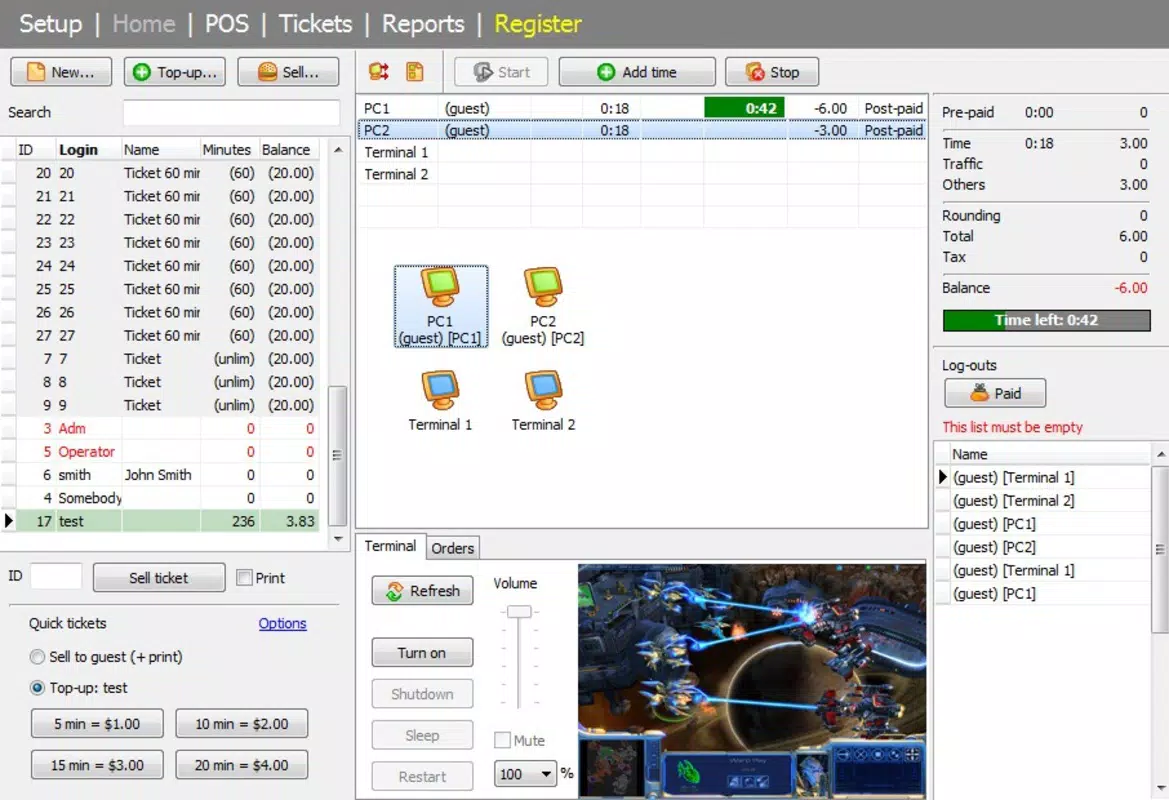
TrueCafe delivers a targeted set of features designed to support the day-to-day operations of a cybercafe. The Customer Usage Monitoring feature enables operators to track how long each customer has been using a specific computer in real time, providing visibility into resource utilization and helping prevent overuse. This functionality supports efficient scheduling and fair access among users. Pre-Paid Browsing Management allows customers to purchase time in advance, simplifying the payment process and improving cash flow for operators. This system can be used to issue time cards or digital vouchers, reducing front-desk delays. The Sales Management module extends functionality beyond computer time, enabling the tracking of additional services such as printing, scanning, and inventory of consumables like CDs or floppy disks. This feature enhances revenue potential by allowing operators to monetize ancillary offerings. Comprehensive Reporting tools offer insights into customer activity, peak usage times, and service performance, helping owners make data-driven decisions. Business Progress Tracking provides a holistic view of operations, including session history, contract renewals, and service utilization. These tools collectively support operational efficiency, customer satisfaction, and long-term business sustainability.Real-World Use Cases
- Operators use real-time monitoring to detect and resolve overuse or idle sessions, ensuring fair access.
- Pre-paid time cards are issued to regular customers, reducing wait times and improving service speed.
- Print jobs are automatically logged and billed, minimizing manual tracking errors.
- Monthly reports help identify underused machines or high-demand services, guiding equipment upgrades or staffing adjustments.
- Inventory alerts notify staff when supplies like ink or paper are low, preventing service interruptions.
Interface, UX & Performance
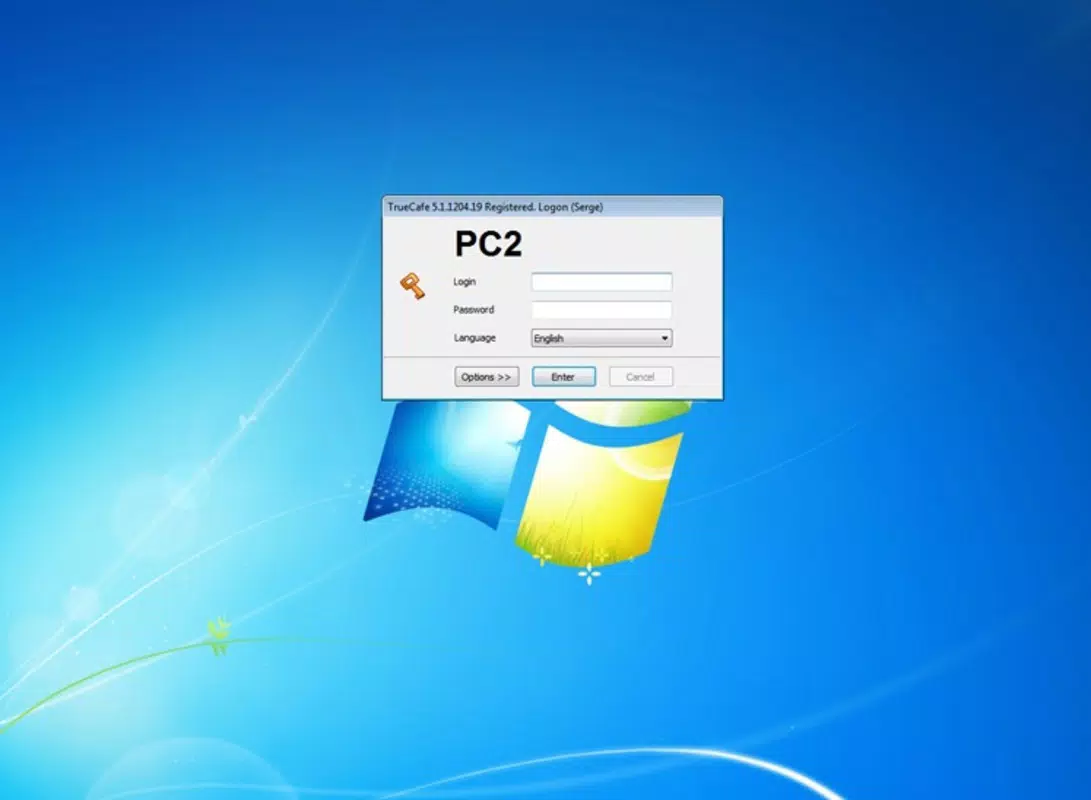
TrueCafe presents a clean, task-oriented interface designed for quick navigation and efficient workflow execution. The layout emphasizes clarity, with key functions such as session management, sales entry, and reporting accessible through clearly labeled menus. Navigation is intuitive, allowing staff with minimal training to perform essential tasks. The visual style is functional rather than decorative, prioritizing readability and operational accuracy. Although the developer did not list formal performance metrics, the application appears optimized for stability in environments with multiple concurrent users. It maintains responsiveness during peak hours, ensuring that session tracking and billing remain accurate. The software operates reliably across a range of hardware configurations, from older desktop systems to modern machines, indicating adaptability to diverse operational setups. While the mobile aspect is not detailed, the system supports remote access and centralized control, which enhances usability for multi-location operators. Overall, the user experience is focused on minimizing friction in daily operations, making it suitable for fast-paced environments where uptime and precision are critical.Platform Compatibility & Technical Requirements
TrueCafe is designed for use on Windows-based systems, serving as a desktop application for cybercafe management. The platform is compatible with standard Windows operating systems, though specific OS versions were not listed. The file size of the application is not disclosed in the provided information. The developer did not specify minimum system requirements or compatibility details for newer Windows versions. As such, users should consult official documentation or support channels for precise installation and runtime conditions. The absence of mobile platform details indicates that the app is not available for Android or iOS devices. This suggests that TrueCafe functions as a backend or management tool, likely used on a central computer or server within the cybercafe premises. For users seeking a mobile companion, no such functionality is currently available based on the provided data.Pros and Cons
- Specific features are tailored to cybercafe operations, offering real value to target users.
- Pre-paid browsing system improves cash flow and reduces transaction time.
- Comprehensive reporting supports data-driven decision-making.
- Supports multiple service types, increasing revenue opportunities.
- Designed for reliability in high-traffic environments.
- Not available on mobile platforms, limiting remote access.
- No information on technical specifications or system requirements.
- Interface may require adaptation for non-technical staff.
- Long release date suggests limited recent updates.
- Compatibility with modern Windows versions is not confirmed.


